
AutoLangvitch – automatic keyboard layout switching for macOS
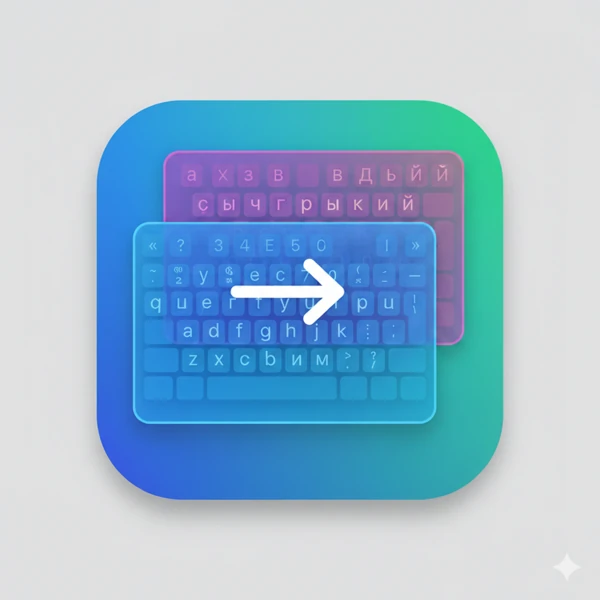
A Mac app that detects when a word was typed in the wrong keyboard layout and fixes it right away – completely offline.
- Client: Own project
- Service: Software development
- Technology: Swift, Swift Package Manager, macOS 13+
Starting point
Anyone who switches between Russian, Ukrainian, German and English keeps typing in the wrong layout. Existing tools often send text to servers or aren’t built for several languages with mixed input.
Solution
AutoLangvitch runs as a menu bar app, watches input at system level, checks every word with macOS spell checking and language detection, and switches the layout and replaces the word when needed.
- Supported languages: Russian, English, Ukrainian, German – extensible
- Works fully offline, without any cloud service
- Privacy-friendly logging (texts are not stored by default)
- Global shortcuts for manual correction and a menu to turn individual languages on or off
Implementation
Clean separation into word buffer, decision logic and execution so the core logic can be tested automatically. The app is under continuous development and versioned (currently version 1.24.x).
A similar goal?
Free initial consultationSimilar case studies
More projects from the same field – with the starting point, actions and results.
TaskMessenger – tasks and team chat in one iPhone app
Collaborative task management with projects, subtasks, comments and invitations – synced in real time.
Water Tracker – drink log for iPhone and Apple Watch
A simple app that records how much water you drink and shows the history – with email sign-in.
IchLerneDeutsch Pro – learning German on the iPhone
Vocabulary and verb trainer with levels, audio and learning progress via iCloud.