Our own MCP server: filling a WordPress site from Google Docs automatically
A local MCP server connects the AI assistant to WordPress and Google Docs: approved texts go straight onto the pages, corrections are applied and page lists are generated as a document.
- Client: Clinic website
- Service: Automation

The task
A large WordPress site with dozens of service pages: texts are written in Google Docs and approved with the client. Copying them into WordPress page by page, formatting headings and blocks and checking the status takes hours and leads to mistakes.
The solution
- a local MCP server with access to WordPress and Google Docs
- the assistant reads approved texts from Google Docs and puts them into the right pages and blocks
- corrections are applied and checked on the site, with a report as a document
- in reverse, the system creates documents from WordPress – such as a list of all pages with links, IDs and status
Result
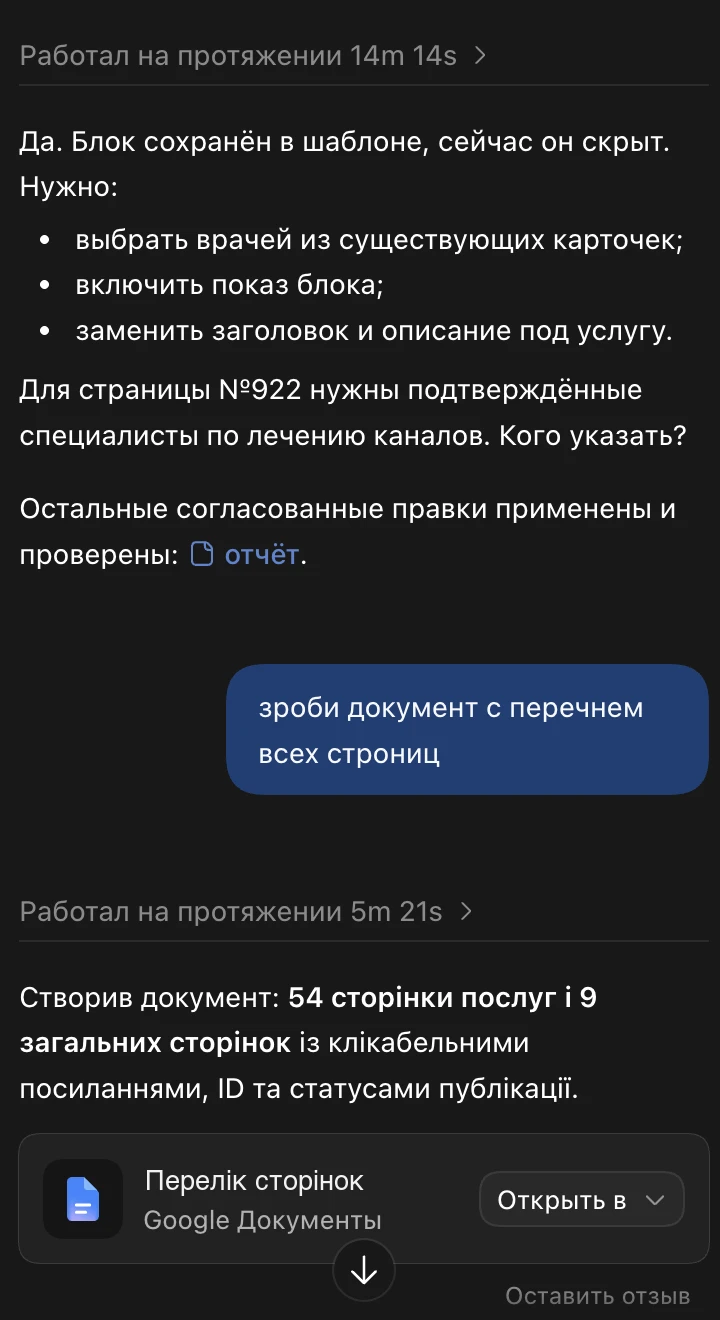
- the request “make a document listing all pages” produced, in about 5 minutes, a Google Doc with 54 service pages and 9 general pages – with clickable links, IDs and publication status
- approved corrections are applied and checked; open points come back as a specific question – e.g. which doctors to show on a page
- texts go from the document to the site without manual copying
A similar goal?
Free initial consultationSimilar case studies
More projects from the same field – with the starting point, actions and results.
Automatic monitoring of changes on the client’s and competitors’ websites
A tool that regularly checks 280 pages and shows every change to URL, title, description, text and headings on a timeline – for your own site and for competitors.
Editor approval of specialist texts: questions, answers and corrections done automatically
Specialist articles for a clinic website have to be confirmed by the client’s expert. A bot asks the questions in chat, collects answers as text, voice notes or images and applies the corrections to the texts.
Direct access to Google Search Console: all data, warnings and issues imported automatically
Instead of manual exports, the system gets its own read access to the client’s Search Console and fetches search data, errors and warnings on its own.